ProtonPlus

Version 0.6.0

Stars Latest Release Flathub Downloads License Translation status Donate

Install, update, and organize Proton, Wine, DXVK, and VKD3D tools across your Linux game launchers. Manage Steam games, tune launch options, track downloads, and use the entire app with a keyboard, mouse, or gamepad.

What's New Since v0.5.22

Version 0.6.0 expands ProtonPlus well beyond tool installation, with new ways to manage games, updates, hardware-specific releases, and the app itself.

New Capabilities

  • Faugus Launcher support
  • CPU-aware x86-64 and ARM64 variant selection
  • Scheduled background updates and notifications
  • Gamepad navigation, contextual hints, optional haptics, and a first-run guide
  • Breeze Light, Breeze Dark, SteamOS, and OLED themes
  • A built-in MangoHud editor and proxy settings
  • Steam shortcut creation and guided restarts, including SteamOS Gaming Mode
  • Default Steam compatibility prefix migration
  • An active downloads indicator
  • ARM64 Flatpak support

Games & Launch Options

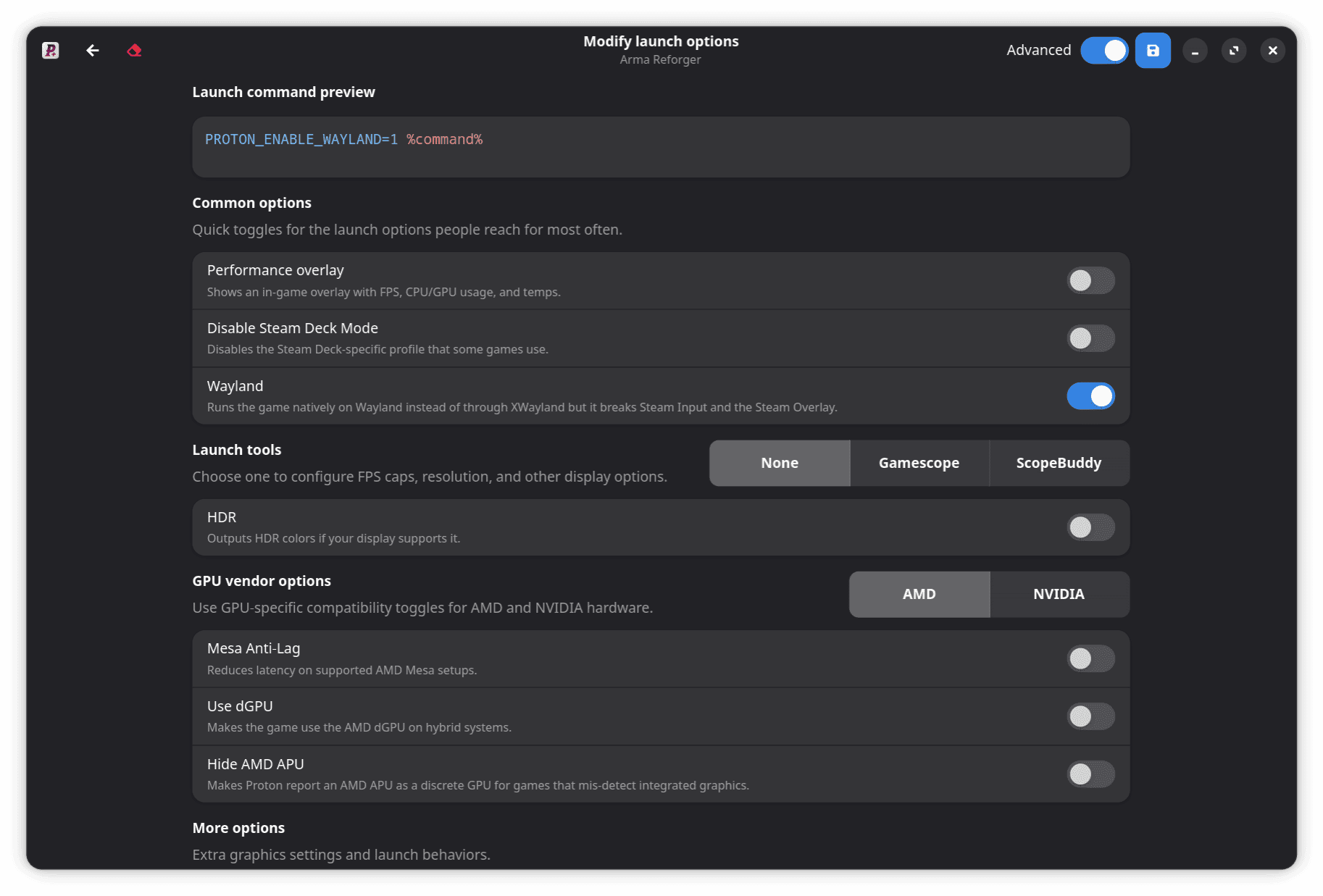
  • A redesigned, hardware-aware launch options editor with exact command previews
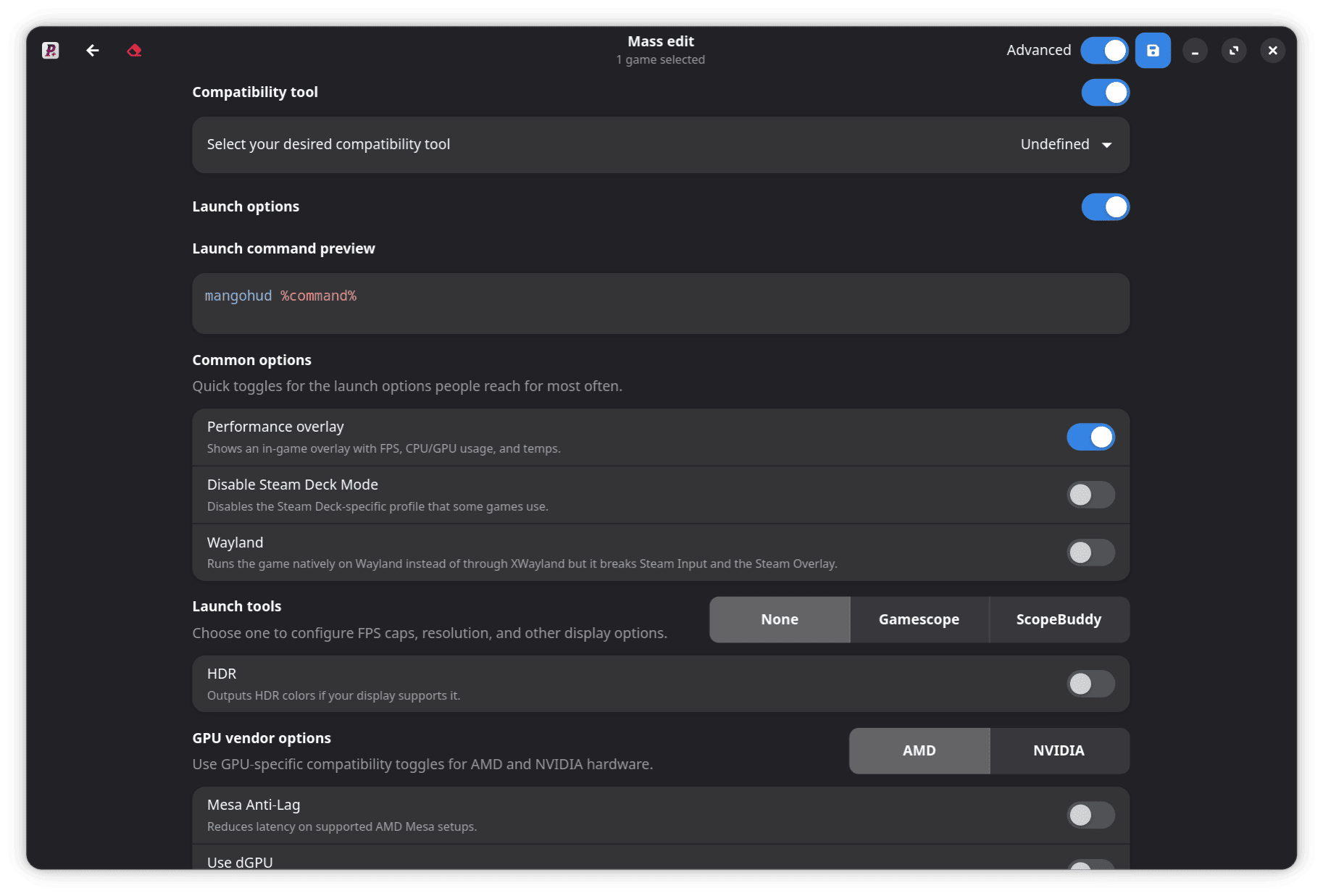
  • Custom and unknown safe options stay intact during single-game and mass edits
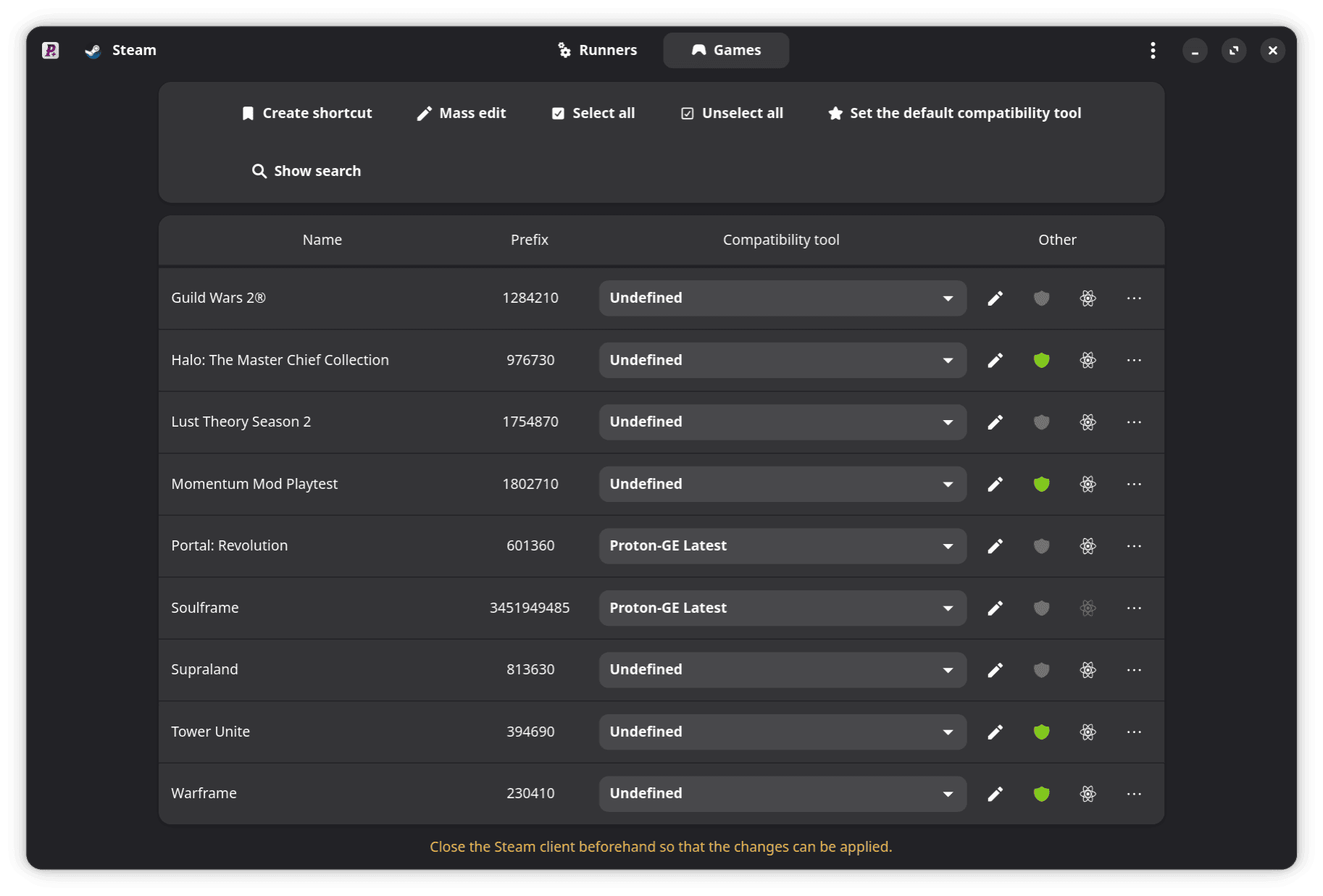
  • Improved Games and Tools navigation, search, filtering, selection, and repository links
  • Improved stable-release, Latest, and variant selection

Reliability & Compatibility

  • Safer downloads and updates with timeout recovery, archive checks, preserved settings, and rollback
  • Improved Steam multi-user, VDF, and shortcut handling
  • Clearer command-line validation and error reporting
  • Fixed custom executable launches and kept the app usable when some Steam data cannot load
  • Fixed release and installation issues for Proton-TKG, Proton-CachyOS, DXVK, VKD3D, Lutris, and Steam Tinker Launch

Localization

  • Added Arabic
  • Added Slovak
  • Updated Simplified Chinese
  • Updated German
  • Updated Italian
View the v0.6.0 release on GitHub

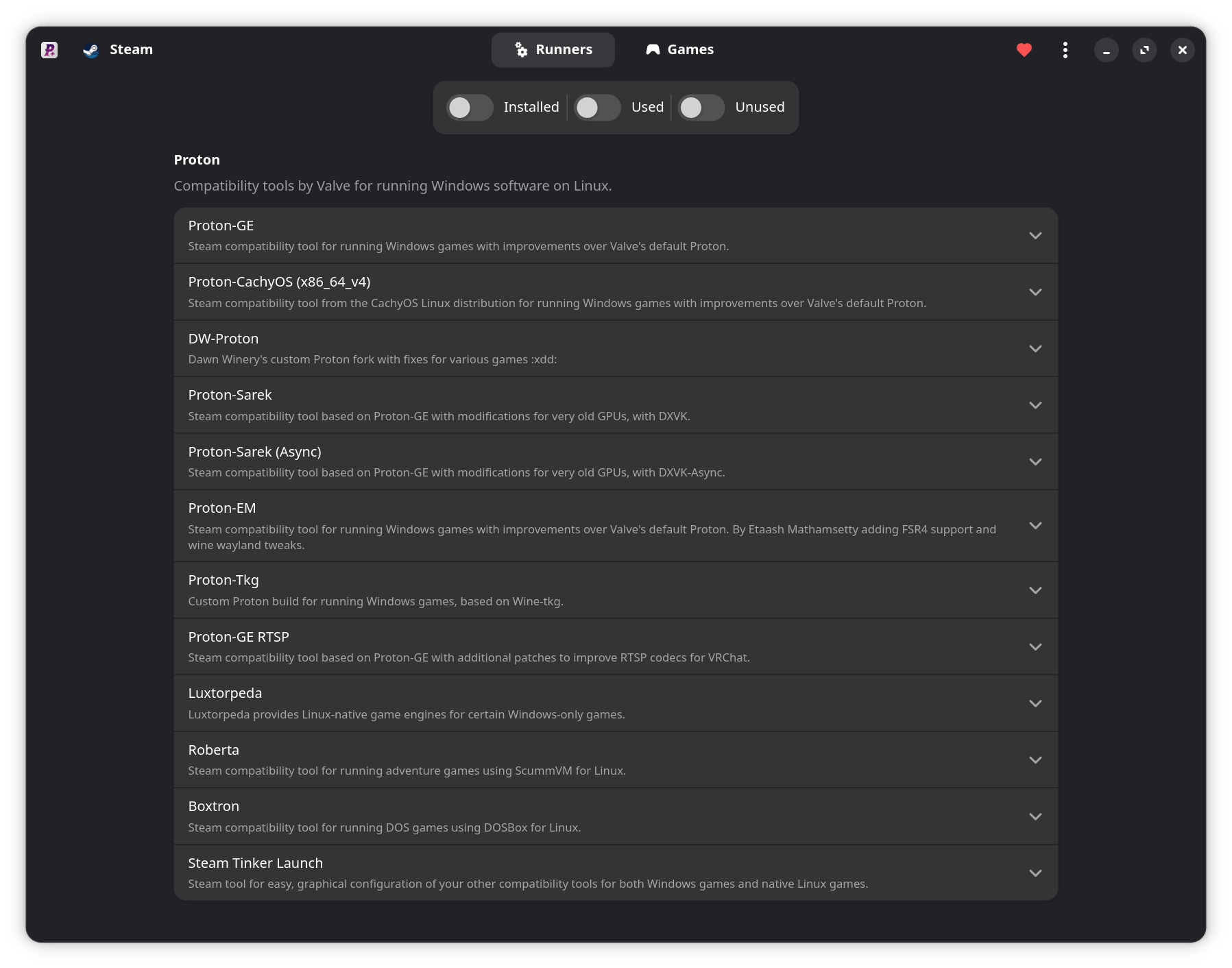
Screenshots

Features

Multi-Launcher Support

Manage tools for Steam, Faugus Launcher, Lutris, Heroic, Bottles, and WineZGUI.

Steam Integration

Manage profiles, compatibility tools, launch options, shortcuts, and required Steam restarts.

Smart Updates

Install Latest builds, update in the background, track downloads, and receive notifications.

Hardware-Aware Releases

Choose compatible x86-64 and ARM64 variants based on your CPU architecture and ISA level.

Advanced Launch Options

Build hardware-aware commands, preview the exact result, and preserve custom options.

Gamepad Navigation

Navigate Tools, Games, preferences, dialogs, and menus with contextual hints and haptics.

MangoHud Editor

Configure visual, performance, metrics, preset, and advanced MangoHud settings.

Personalized Interface

Use Adwaita, Breeze, SteamOS, or OLED themes in the modern GTK4 interface.

Command-Line Tools

List launchers and install, update, or uninstall compatibility tools from your terminal.

Safer Tool Management

Validate downloads and archives, preserve tool settings, and roll back failed updates.

Supported launchers
  • Steam — System, Flatpak, Snap
  • Faugus Launcher — System, Flatpak
  • Lutris — System, Flatpak
  • Heroic Games Launcher — System, Flatpak
  • Bottles — System, Flatpak
  • WineZGUI — System, Flatpak
Supported compatibility tools

Proton & Wrappers

  • Steam Tinker Launch
  • Proton-GE
  • Proton-GE RTSP
  • Proton-CachyOS
  • Proton-CachyOS Wineland
  • DW-Proton
  • Proton-EM
  • Proton-Tkg
  • Luxtorpeda
  • Boxtron
  • Roberta

Wine Builds

  • Wine-Vanilla
  • Wine-Staging
  • Wine-Staging-Tkg
  • Wine-Proton

Graphics Libraries (DXVK & VKD3D)

  • DXVK (doitsujin)
  • DXVK (Sarek)
  • DXVK GPL+Async (Ph42oN)
  • VKD3D-Proton
  • VKD3D-Lutris

Download

Get ProtonPlus for x86-64 or ARM64 from Flathub.

Contributors