Compatibility
- Fixed Proton-Wineland WoW64 releases not being detected
- Renamed Proton-CachyOS Wineland to Proton-Wineland

Version 0.6.7






Install, update, and organize Proton, Wine, DXVK, and VKD3D tools across your Linux game launchers. Manage Steam games, tune launch options, track downloads, and use the entire app with a keyboard, mouse, or gamepad.
ProtonPlus 0.6.7 continues the 0.6 series with compatibility fixes, provider cleanup, and localization updates.
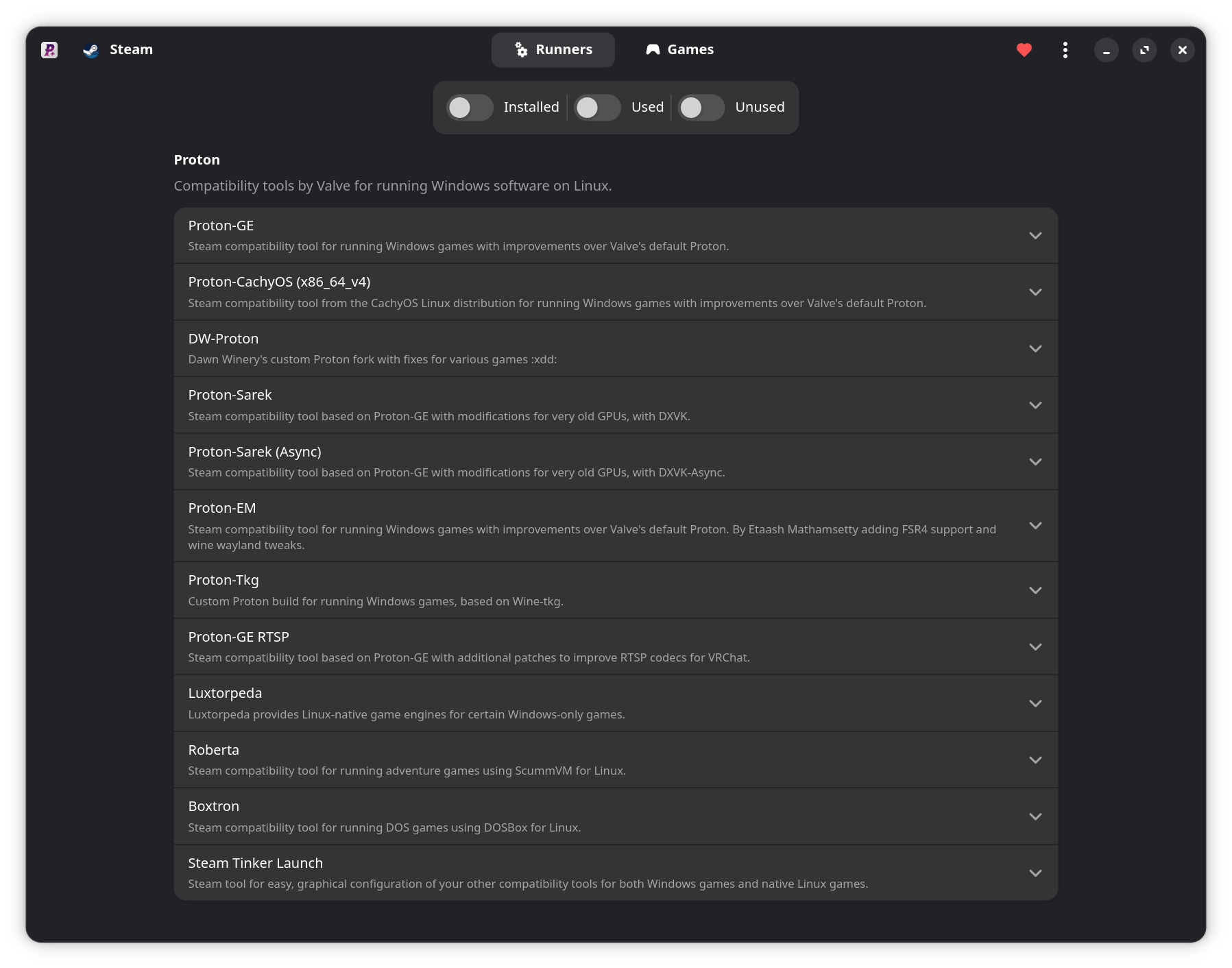
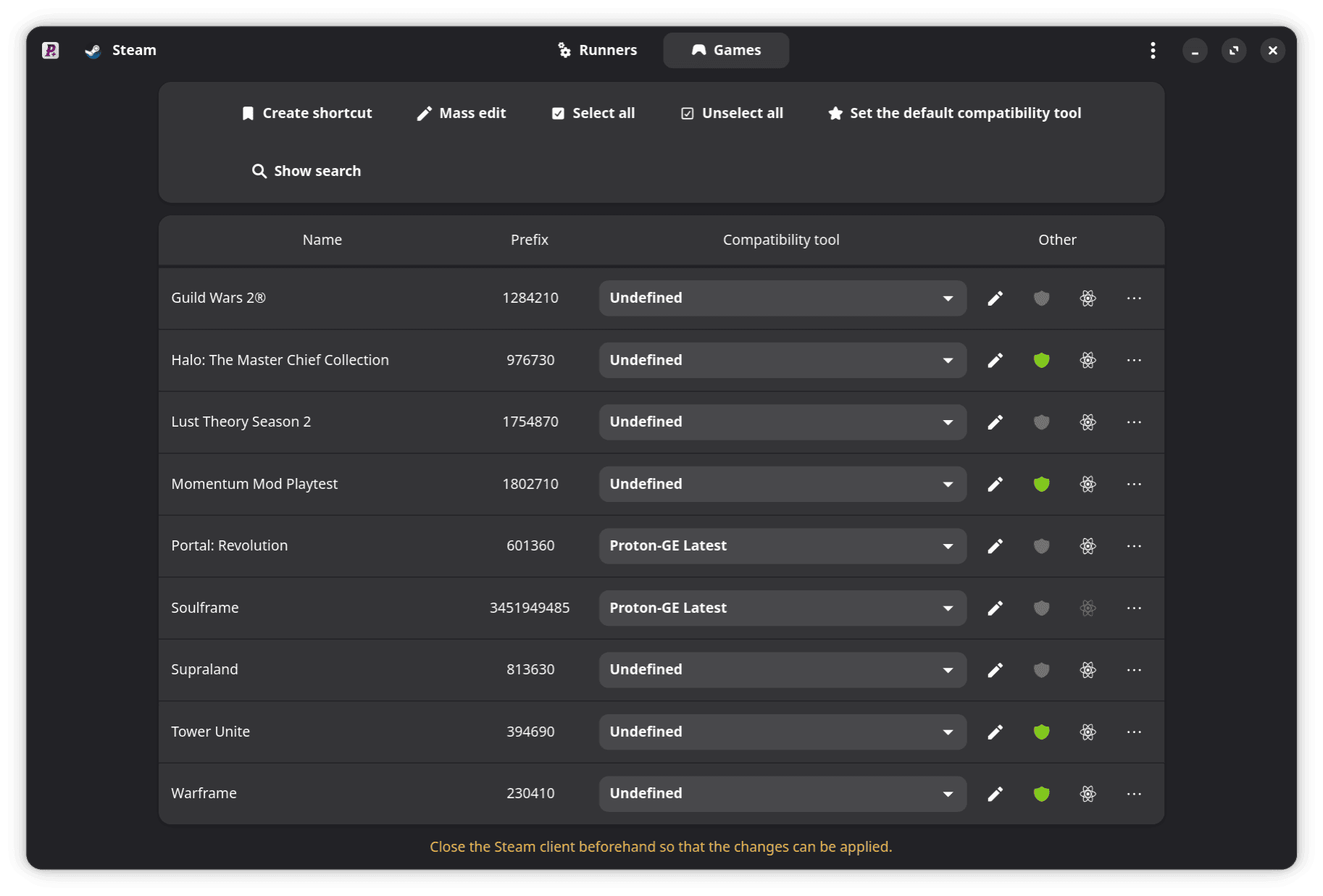
Manage tools for Steam, Faugus Launcher, Lutris, Heroic, Bottles, and WineZGUI.
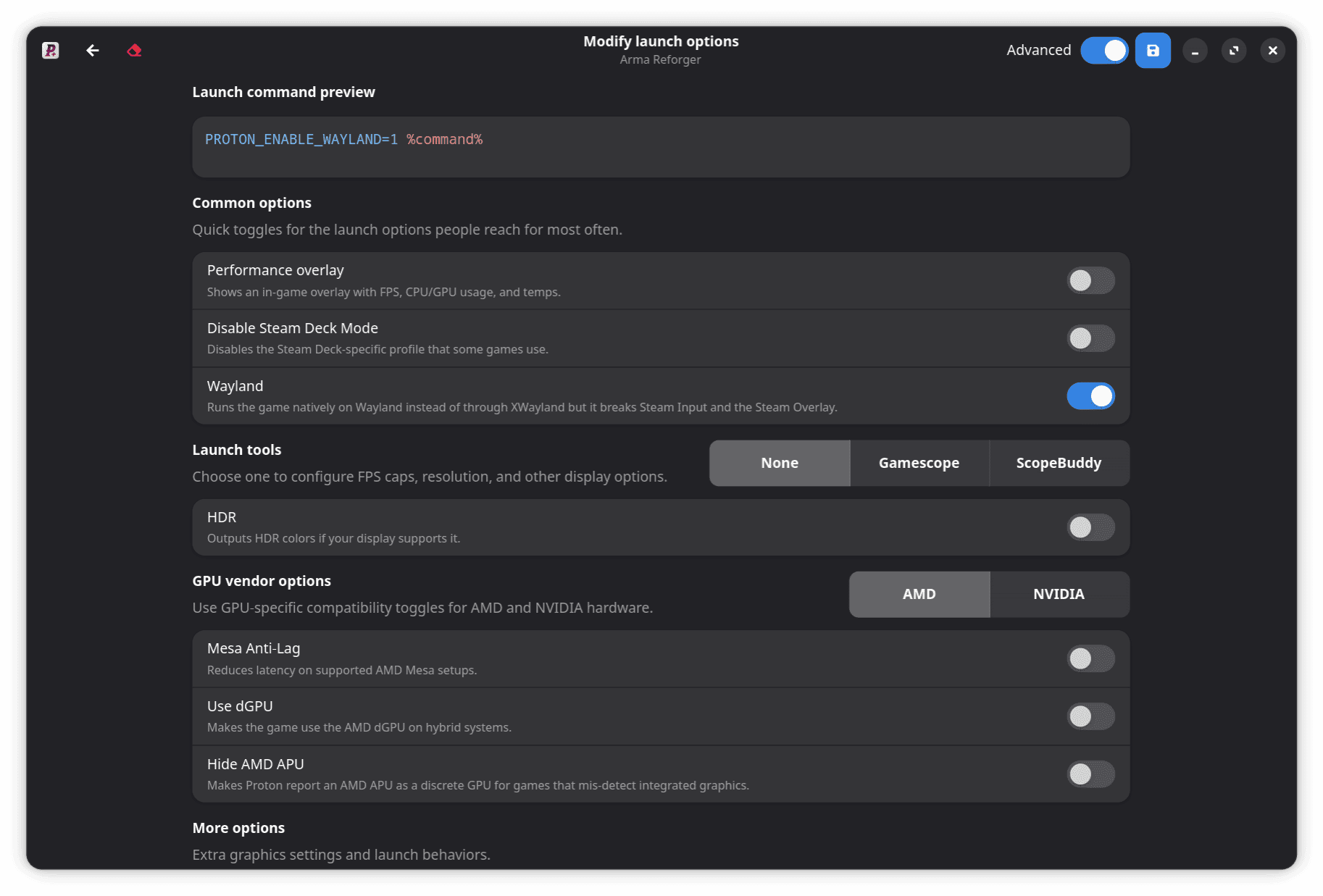
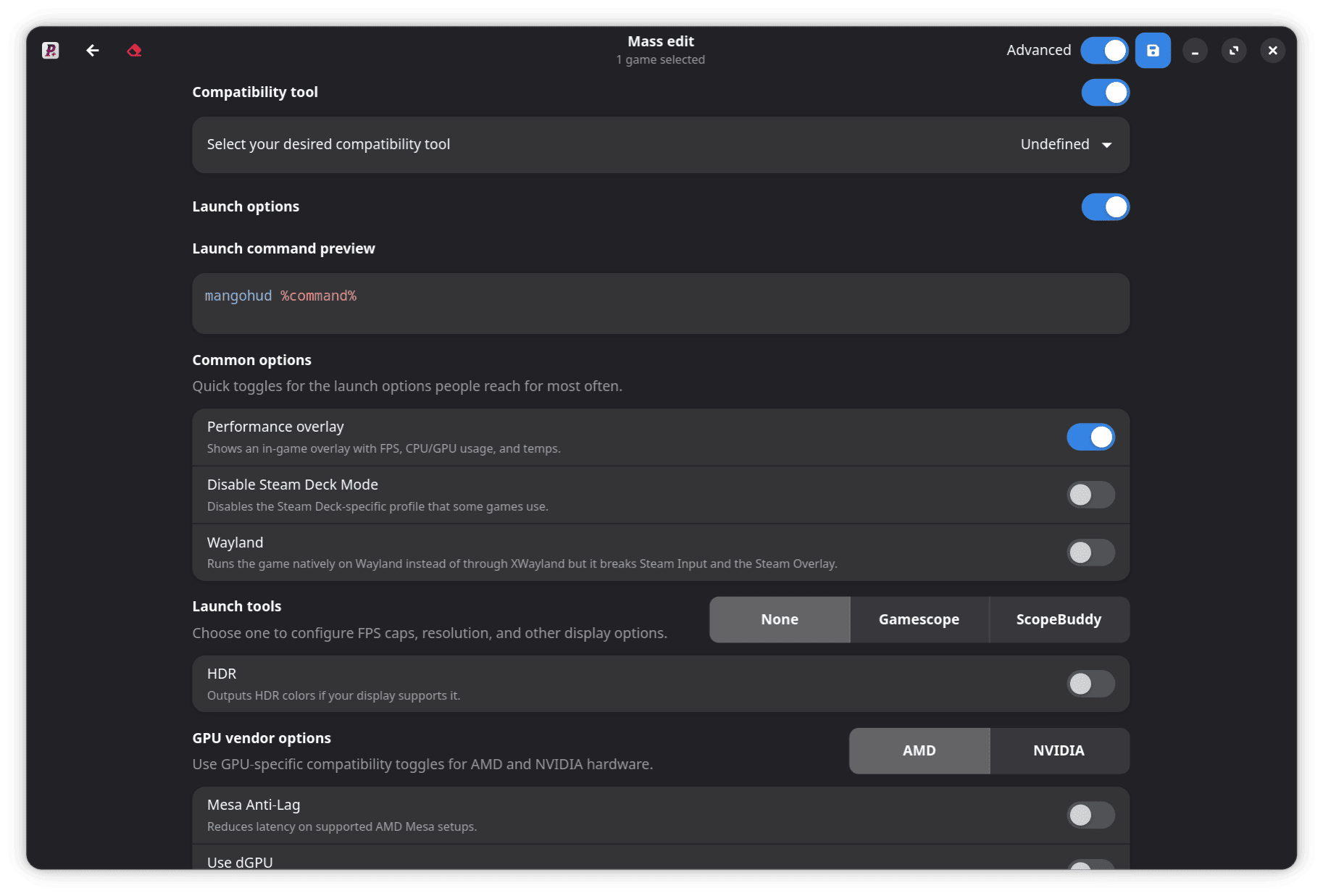
Manage profiles, compatibility tools, launch options, shortcuts, and required Steam restarts.
Install Latest builds, update in the background, track downloads, and receive notifications.
Choose compatible x86-64 and ARM64 variants based on your CPU architecture and ISA level.
Build hardware-aware commands, preview the exact result, and preserve custom options.
Navigate Tools, Games, preferences, dialogs, and menus with contextual hints and haptics.
Configure visual, performance, metrics, preset, and advanced MangoHud settings.
Use Adwaita, Breeze, SteamOS, or OLED themes in the modern GTK4 interface.
List launchers and install, update, or uninstall compatibility tools from your terminal.
Validate downloads and archives, preserve tool settings, and roll back failed updates.
Get ProtonPlus for x86-64 or ARM64 from Flathub.
Maintained by distribution packagers and community contributors; release timing may vary.